Connecting a SCADA or HMI over OPC UA
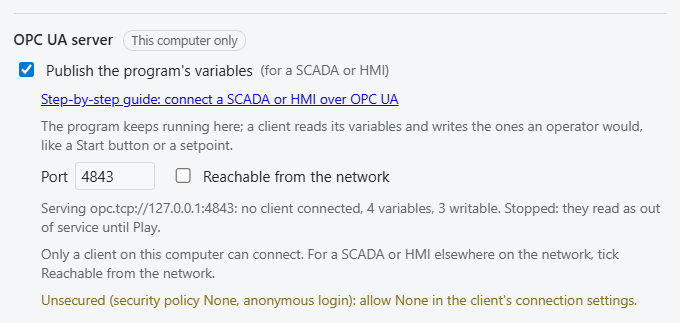
The program in the simulator's PLC panel keeps running here, and the simulator publishes its variables on an OPC UA server, the way a real PLC does. Your SCADA, HMI or any OPC UA client connects to it, watches the line and presses its buttons.
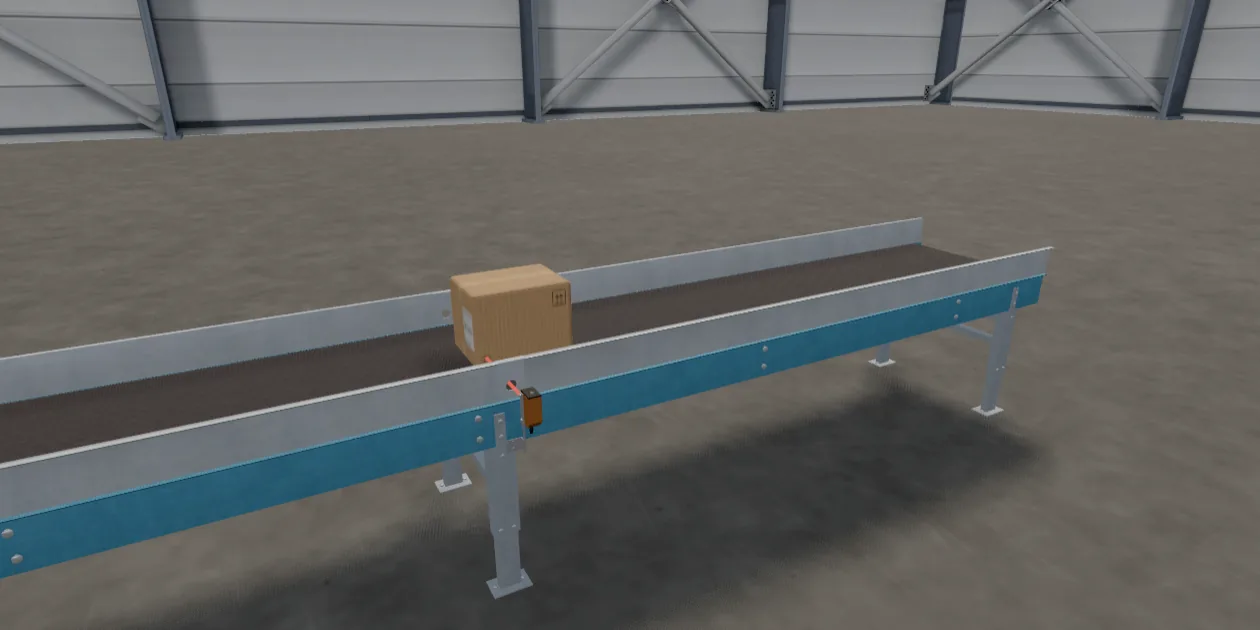
In this guide your client presses Start, a belt carries a box to a sensor, and the program stops it. No PLC is needed, and it takes about ten minutes.
You need
- The desktop app, for Windows or Linux. A browser tab cannot open a network port.
- An OPC UA client, such as a SCADA or an HMI, that allows the None security policy.
- A network path from the client to this computer, or the client running on the same computer.